
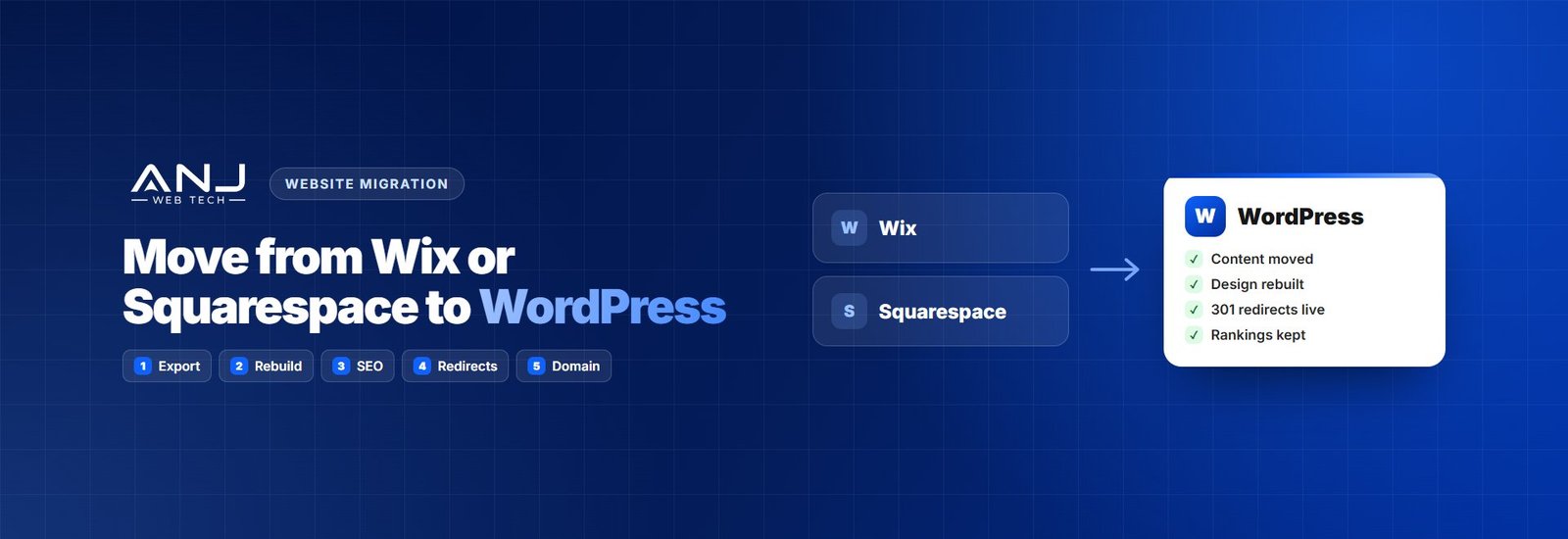
Wix and Squarespace are great for getting a site online fast. Then the business grows. It needs better SEO control, a proper blog, custom features, a real online store or simply a site the agency can build on without hitting a wall. That’s usually when the question comes up: “Can we move this to WordPress without losing everything?”
Yes, you can. But it’s not a one-click job, and it’s worth knowing that before you promise a client a quick move. Here’s the step-by-step process we follow, including the parts that have to be done by hand.
The content moves. The design gets rebuilt. The URLs need redirects. Plan for all three.
What moves automatically, and what doesn’t
| Squarespace | Wix | |
|---|---|---|
| Blog posts | Yes, through the built-in WordPress export | Through the blog’s RSS feed, then a WordPress RSS importer |
| Basic pages | Partly: text comes across, layouts don’t | No: rebuilt by hand |
| Images | Need copying into WordPress during or after import | Need downloading and re-uploading |
| Design and layout | Rebuilt in WordPress | Rebuilt in WordPress |
| Products | Exported separately as a CSV, then imported into WooCommerce | Exported separately as a CSV, then imported into WooCommerce |
| SEO titles and descriptions | Usually re-entered | Re-entered |
| Forms | Rebuilt | Rebuilt |
Platforms change their export tools from time to time, so check the current options in the account before you plan. The rule of thumb holds, though: expect to rebuild the design and the pages, and to carry the content across.
Step 1: Take stock of the current site
- List every page and post with its URL. A site crawler like Screaming Frog does this in minutes.
- Find the pages that matter in Google Search Console: the ones that get clicks and bring in enquiries.
- Note everything that isn’t a page: forms, booking tools, pop-ups, newsletter sign-ups, members’ areas and any apps connected to the site.
- Save the SEO details (page titles and meta descriptions), so you can carry them over.
Step 2: Set up WordPress on a staging site
Pick good WordPress hosting and build the new site on a temporary address that search engines can’t see. The old Wix or Squarespace site stays live the whole time, so the business never goes offline.
Step 3: Export your content
From Squarespace
Squarespace has a built-in export to WordPress in its settings. It produces a file WordPress can import, covering blog posts and basic pages. Some content types and features don’t export, so check what’s missing against your list from step 1.
From Wix
Wix doesn’t offer a full site export. Blog posts can usually be brought across using the blog’s RSS feed and an RSS importer in WordPress. Pages need to be rebuilt, copying the text across. For bigger sites, this is where most of the hours go.
Online store products
Both platforms let you export products as a CSV file. WooCommerce can import that, though you’ll usually need to tidy the columns, variations and images first. Plan customer accounts and order history separately; they rarely move cleanly.
Step 4: Import into WordPress and bring the images home
Run the import on the staging site. Then check the images: imported posts often still point to images hosted on the old platform. Those links break the day you close the old account, so download the images into your WordPress media library and update the posts to use them.
Step 5: Rebuild the design and pages
This is the biggest step, and the best opportunity. Rather than copying the old layout block by block, build on a fast, lightweight theme or block-based design, and fix what wasn’t working before. Recreate the forms, booking tools and sign-ups, and test that every one still delivers to the right inbox.
Step 6: Carry over the SEO
- Install an SEO plugin like Yoast and re-enter page titles and meta descriptions
- Add alt text to images that came across without it
- Set up structured data for the business, services and blog posts
- Keep the same page content that was ranking. Improve it, but don’t strip it out
Step 7: Map your redirects
Wix, Squarespace and WordPress use different URL patterns, especially for blog posts. Every old URL needs a permanent 301 redirect to its new address, or the rankings and links built up on the old site go to waste.
| Old URL | New WordPress URL |
|---|---|
| /post/how-to-choose-a-dentist | /blog/how-to-choose-a-dentist/ |
| /blog/summer-offer | /blog/summer-offer/ |
| /services-1 | /services/ |
| /about-us | /about/ |
Test the full list on the new site before you switch the domain over.
Step 8: Move the domain
When the new site is ready, point the domain at your WordPress hosting by updating its DNS records. If the domain was bought through Wix or Squarespace, you can either change its DNS there or transfer it to a registrar of your choice. Check your email first: if the business’s email runs through the same domain, make sure those mail records are copied across so nothing stops arriving.
Step 9: Launch, check and only then cancel
- Make sure the site is visible to search engines and the SSL certificate is working
- Submit the new sitemap in Google Search Console
- Test every form, button and checkout
- Watch Search Console for 404 errors for a few weeks and fix any missing redirects
- Keep the old plan running for a few weeks, just in case, and cancel it once you’re sure nothing is missing
Mistakes that make a migration painful
- Promising a quick, automatic move. On Wix especially, pages are rebuilt by hand. Quote for it.
- Leaving images on the old platform. They disappear when the account closes.
- Skipping redirects. The new site launches, and the old rankings vanish.
- Forgetting email. A DNS change without the mail records can cut off the business’s email.
- Cancelling the old plan on launch day. Give it a few weeks as a safety net.
Let us handle the move for your clients
ANJ Web Tech moves client sites from Wix, Squarespace and other builders to WordPress for digital agencies. We plan the move, rebuild the design, carry over the content and SEO, set up the redirects and handle launch day, all under your agency’s brand.
We’ve been a white label partner for more than eight years and have delivered 435+ websites. We never contact your clients, every project is covered by an NDA, and plans run month to month.