
A slow website costs money quietly. Visitors leave before the page loads, Google rates the page experience lower, and ad budgets get spent sending people to a page they abandon. Most site owners only notice when a client says, “Why does our site take forever on my phone?”
We speed up WordPress sites for agencies every week, and the same problems come up again and again. Here are the 12 fixes that make the biggest difference, roughly in the order we tackle them. None of them are tricks. They just work.
Don’t guess what’s slow. Measure first, then fix the biggest problem.
Before you start: measure properly
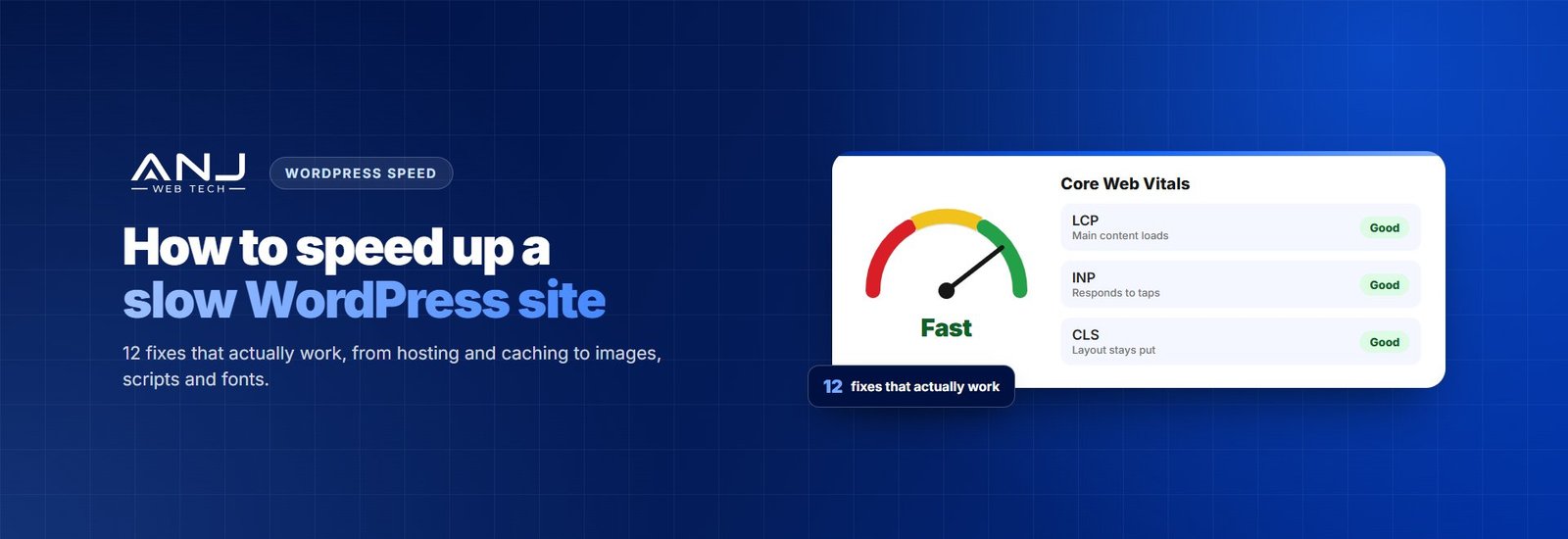
Run your homepage and your two or three most important pages through PageSpeed Insights, on mobile first. Look at the real-user data at the top if it’s there, then the Core Web Vitals: LCP (how fast the main content appears), INP (how quickly the page responds to taps and clicks) and CLS (how much the layout jumps around). Write the scores down. You’ll want to compare after every change.
1. Get decent hosting
No plugin can fix a slow server. If the server takes a second or more just to start sending the page, everything else is built on a weak base. Good WordPress hosting with enough resources, a current PHP version and server-level caching is often the single biggest win. Check your server response time (TTFB) in PageSpeed Insights or your browser’s developer tools.
2. Run a current version of PHP
Newer PHP versions run WordPress noticeably faster than old ones, and they’re more secure. Many sites are still running a version years out of date because nobody changed the setting in the hosting panel. Test on staging first to make sure your plugins and theme are compatible, then switch.
3. Turn on page caching
Without caching, WordPress builds every page from scratch for every visitor. With it, most visitors get a ready-made copy instantly. Use your host’s built-in cache if it has one, or a solid caching plugin like LiteSpeed Cache or WP Rocket. Use one caching plugin, not three. They fight each other.
4. Fix your images
Oversized images are the most common reason a page is heavy. A 4,000-pixel photo straight off a camera doesn’t need to be on a page that shows it 800 pixels wide.
- Resize images before uploading, or let a plugin do it automatically
- Serve modern formats like WebP or AVIF
- Lazy-load images further down the page
- Don’t lazy-load the main image at the top of the page. It’s usually your LCP element, and it should load first
5. Use a CDN
A content delivery network stores copies of your images, CSS and JavaScript on servers around the world, so they load from somewhere close to each visitor. If your clients have visitors in different countries, a CDN like Cloudflare or your host’s own CDN makes a real difference.
6. Remove plugins you don’t need
It’s not the number of plugins that matters so much as what each one loads. One badly built plugin can slow a site more than twenty light ones. Go through the list and delete anything unused. For the rest, the free Query Monitor plugin shows which plugins are adding slow database queries or loading scripts on every page.
7. Tame third-party scripts
Chat widgets, heatmaps, extra tracking pixels and social feeds all load code from other servers, and they’re often the real reason a page responds slowly to clicks. Ask whether each one still earns its place. Remove the ones nobody uses, and delay the rest so they load after the page is ready.
8. Clean up CSS and JavaScript
Many themes and plugins load all their CSS and JavaScript on every page, even where it isn’t used. Defer non-essential JavaScript, remove unused CSS where your caching tool supports it, and test carefully afterwards. This is the step most likely to break something, so check forms, menus and sliders on mobile and desktop.
9. Be careful with fonts
Every font family and weight is another file to download. Stick to one or two families and only the weights you really use. Host the fonts on your own site instead of loading them from elsewhere, and use font-display: swap so text shows straight away while the font loads.
10. Replace heavy embeds
A single embedded YouTube video can load a lot of code before anyone presses play. Use a lightweight “click to load” version that shows a thumbnail first and only loads the player when someone clicks. The same goes for embedded maps and social posts.
11. Tidy the database
Over the years the database fills up with old post revisions, spam comments, expired temporary data and settings left behind by deleted plugins. Clean these out, limit how many revisions WordPress keeps, and check for large “autoloaded” options, which load on every single page. On busy sites, an object cache like Redis helps too.
12. Rethink a heavy theme or page builder
Sometimes the problem is the foundation. A multipurpose theme loaded with features you’ll never use, or a page builder adding layers of extra code, can hold a site back no matter what else you fix. A lightweight theme or a block-based build is often much faster. That’s a bigger project, so do it when the other eleven fixes still aren’t enough.
Keep it fast once it’s fixed
Speed slips back over time. New plugins get added, clients upload huge images, and a new tracking script appears. Re-test the same pages every month, keep everything updated, and check the Core Web Vitals report in Search Console. A fast site stays fast because someone keeps an eye on it.
Want your clients’ sites fast, without doing it yourself?
ANJ Web Tech handles WordPress speed work for digital agencies, from one-off speed fixes to monthly maintenance that keeps sites fast. We measure first, fix what matters most, test everything on staging, and send you a clear before-and-after report under your agency’s brand.
We’ve been a white label partner for over eight years and have delivered 435+ websites. We never contact your clients, and plans run month to month.